
In Smartlead, each lead is tied to the mailbox that sent its first email. All of that lead's follow-ups come from the same mailbox, so the conversation stays in one thread. This is why adding or removing a mailbox affects a running campaign.
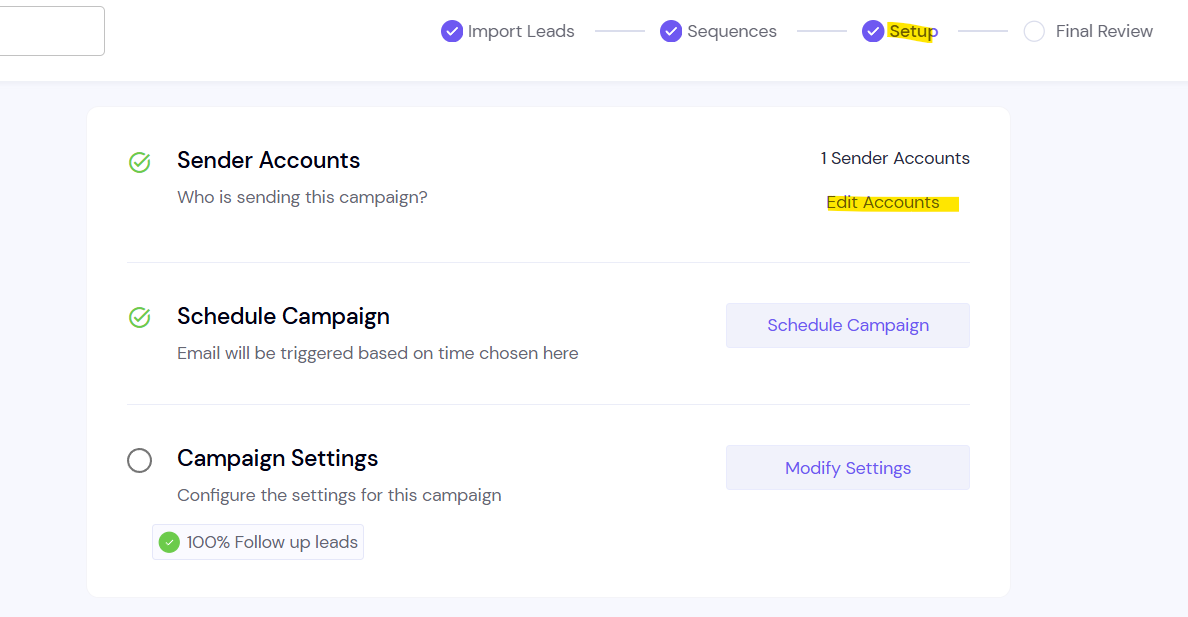
How it works
When you remove a mailbox
Leads that mailbox already emailed don't get their next follow-ups. They wait.
Their follow-ups are not moved to another mailbox automatically.
The leads' status doesn't change. They stay in progress, waiting for a mailbox.
When you add the mailbox back
The waiting leads continue from where they left off, as long as you haven't reallocated them.
When you add a new mailbox
Leads that have already started keep their original mailbox. They aren't moved to the new one.
When to use it
If you remove a mailbox and want its leads to keep going, move them to the campaign's current mailboxes:
Open the campaign.
In the campaign header, click More actions.
Click Reallocate Mailboxes, then confirm.
Their follow-ups then continue from the campaign's active mailboxes.
Good to know
A disconnected mailbox has the same effect as a removed one: its leads' follow-ups wait. Reconnect it, or reallocate its leads.
FAQ
Why did my campaign's sending volume drop after I removed mailboxes?
Leads tied to the removed mailboxes are waiting. Add the mailboxes back, or reallocate those leads.
Can I add the same mailbox back later?
Yes. If you haven't reallocated its leads, they continue from where they left off.
Does removing a mailbox stop or delete the leads?
No. The leads stay in the campaign, in progress, until a mailbox sends their next step.
Still stuck? Contact support from the chat in your Smartlead dashboard. Include the campaign ID and the mailbox you removed.