
Here's how to get your OpenAI API key and connect it to Smartlead.
Step 1: Get your API key
1) Go to your API key management page.
2) Create a separate API key just for Smartlead so you can track your usage. This step is important.
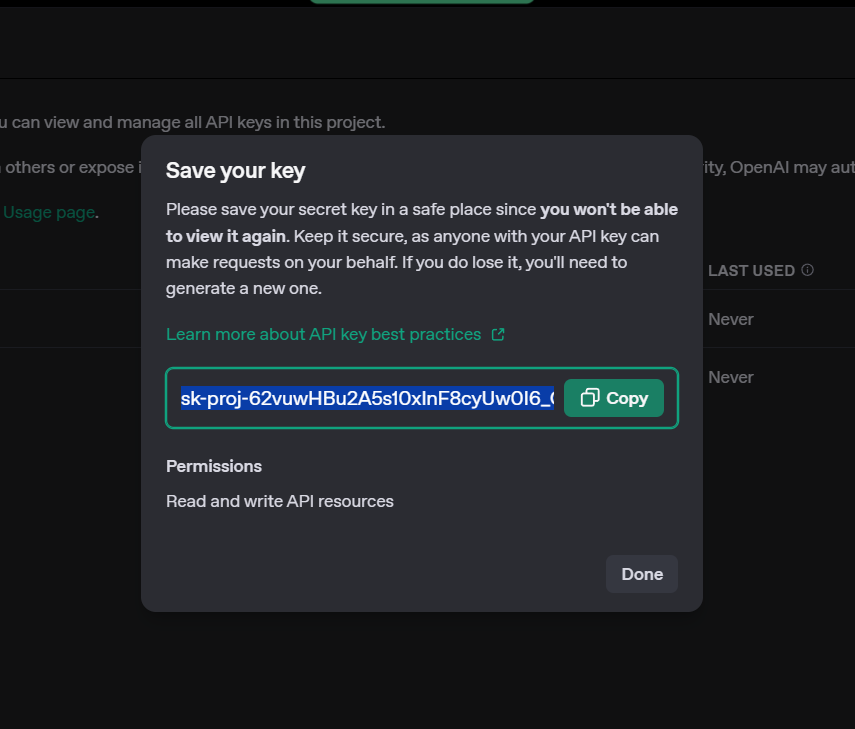
Step 2: Connect your key in Smartlead
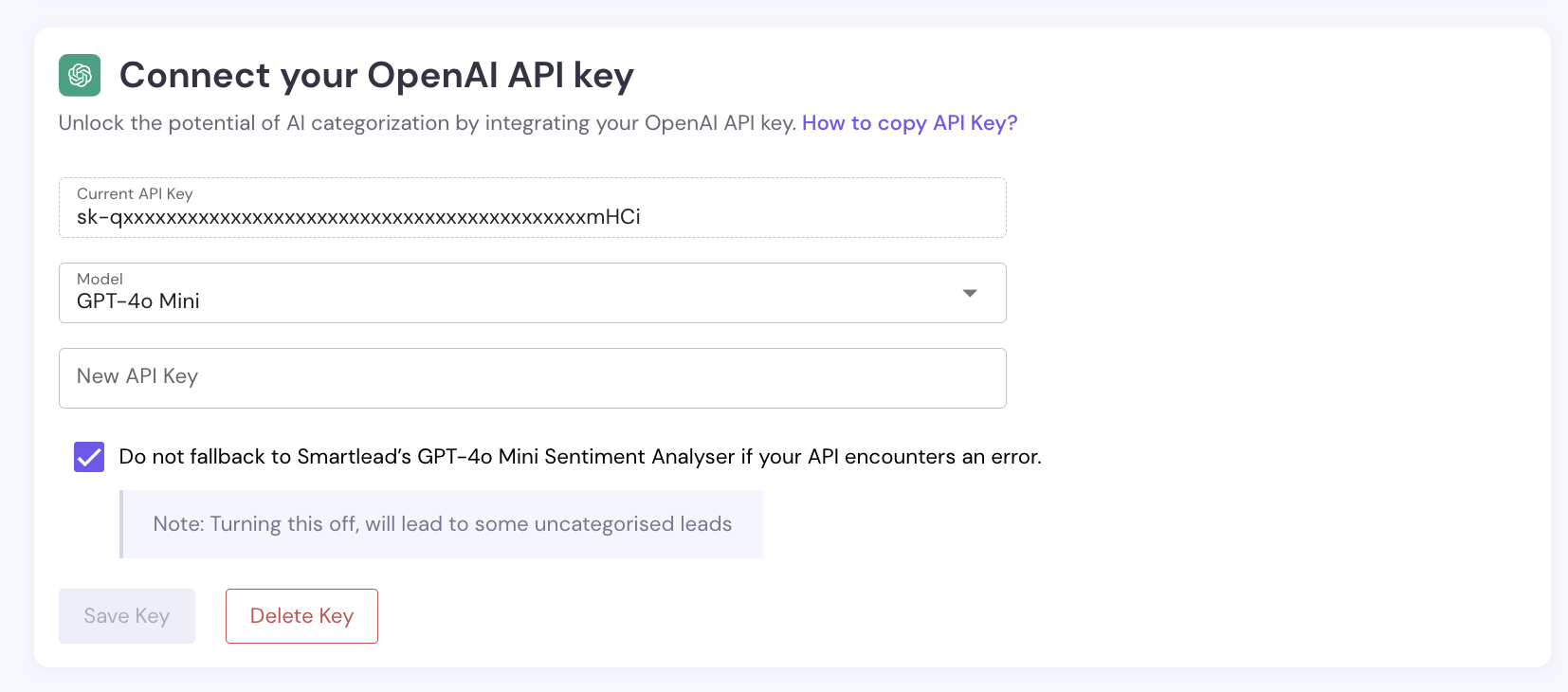
3) Go to Settings → Your Profile → Connect Your OpenAI key.
4) Paste your new secret key.
Step 3: Choose your model
5) Under Model, select the OpenAI model you want to use. (see above screen)
The model you choose is also used for AI Lead Categorisation in your campaigns. To change it from a campaign, go to Campaign → Settings → AI & Automation → Custom AI → Change Model.
Please keep in mind
1) Make sure you've copied a valid API key.
2) If your API key fails, you'll see an error message in the same area. This can happen if:
You pasted the wrong key.
You've run out of OpenAI credits. Contact OpenAI to increase your allowance.