
Yes, you can add a step to a campaign that is already sending. The new step becomes part of the sequence for every lead who has not replied or unsubscribed.
Leads who already finished the sequence get the new step too. They are re-opened and usually sent the new step within about a day.
Step 1: Open the campaign's sequence
Go to Email Campaigns and open the campaign.
Click the Sequence tab.
Step 2: Add the step
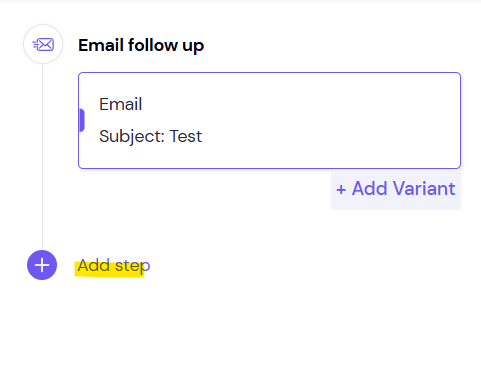
Below your existing steps, click Add Step.
Choose Email.
Set the delay after the previous step.
Write the email body. Leave the subject blank to send it in the same thread, or enter a new subject.
Click Save.
Who gets the new step
Leads still mid-sequence get it in order, after their earlier steps.
Leads who finished the sequence are re-opened and usually sent the new step within about a day.
Leads who replied or unsubscribed don't get it. Neither do blocked leads or leads moved to a subsequence.
Good to know
If only new leads should get the step, put it in a new campaign instead.
Steps can be deleted but not paused. Open the step, click More actions → Delete Entire Step, type the confirmation and click Delete.
Steps run in order. A/B variants are a separate setting inside one step.
FAQ
Can I add a new step after the campaign has started?
Yes. You can add a step to an active campaign at any time from its Sequence tab.
What happens to leads who already received every step?
If they never replied or unsubscribed, they are re-opened and usually sent the new step within about a day.
What happens to leads who haven't reached the last step yet?
Nothing changes for them. They keep following the sequence and reach the new step in order, after their earlier steps.
Still stuck? Contact support from the chat in your Smartlead dashboard. Include the campaign ID.