Warmup sends and replies to emails between your mailbox and other mailboxes in the warmup pool. You control how many warmup emails each mailbox sends and how fast that number grows.
Warmup does not use your Message Per Day limit. That limit caps campaign emails only, and warmup goes out on top of it. Email providers see both together, so keep the combined total modest.
Go to Sender Accounts » Email Accounts and click the mailbox.
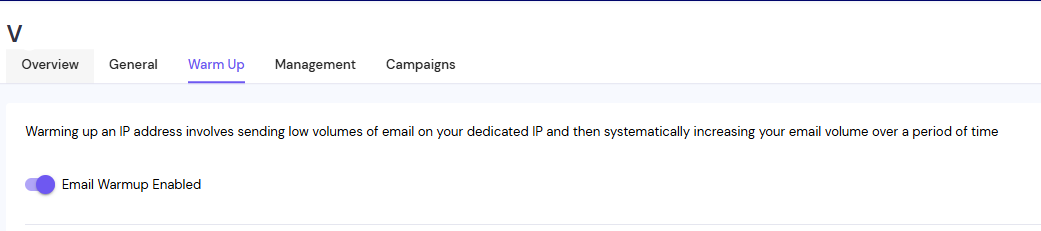
Open the Warm Up tab.
Turn on Enable Email Warmup if it is off.
In Total number of warm up emails per day, enter the most warmup emails this mailbox may send in a day.
For a new mailbox, turn on Daily Rampup and enter the increment per day. The app suggests 5.
Drag the Randomise number of warm up emails per day slider to set a range. Each day's volume varies inside it.
Enter a Reply Rate (%). This is the share of your warmup emails that ask the other mailbox to reply. The app suggests 20.
Set Daily Target for Replies to Inbound Warmup Emails. This is how many replies your mailbox sends each day. It can be between 8 and 80.
If the mailbox is in live campaigns, decide whether to tick Enable Auto-adjust warmup/sending ratio.
Click Update.
You can change these settings at any time.
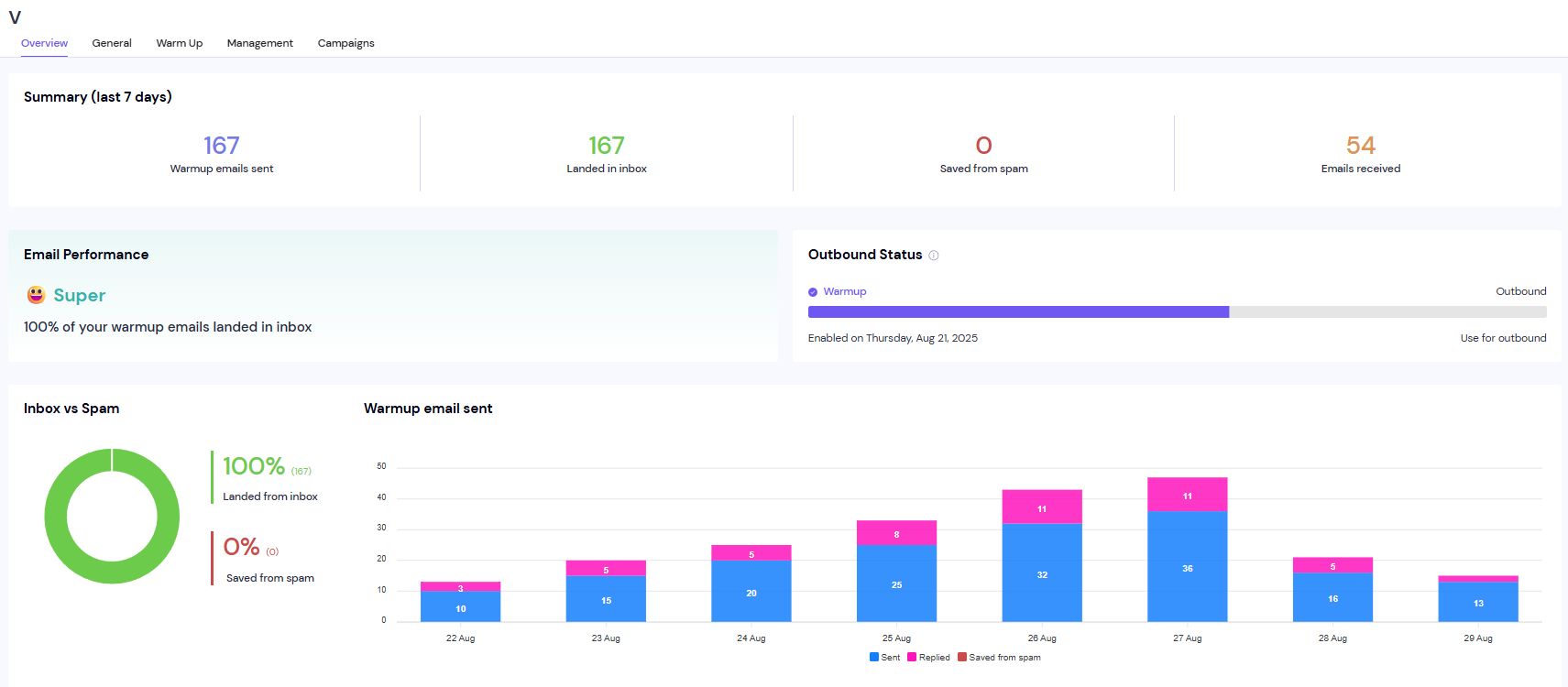
Open the mailbox's Overview tab.
Review the warmup summary for how many warmup emails were sent and replied to each day.
Ramp-up happens once. It adds your increment each day until it reaches your daily maximum. Restarting warmup does not start the climb again.
Reply rates under 30% are treated as 30%. The reply rate on the Overview tab will not match the setting exactly.
Auto-adjust overrides your range. While the mailbox is in at least one active campaign, warmup is held at 7 to 9 emails a day. Untick it to use your own range.
Warmup days run on UTC. Daily counts reset at 00:00 UTC, whatever your account's timezone.
Example: a Message Per Day of 15 plus 15 warmups means about 30 emails from that mailbox in a day.
Still stuck? Contact support from the chat in your Smartlead dashboard.
